Step-by-Step: Setup for the gaming experience
- Frank Seko
- Nov 1
- 2 min read

Get Ready Before You Press Start Every single gamer is aware of the annoyance of playing, sitting just to have something go wrong straightforwardly. It could be your controller dying in the middle of the matching, your Wi-Fi lagging so much, or even you forgetting to grab a drink beforehand for a long gaming session. These are the moments that remind us—gaming is not just for fun it efficient setup and preferable conditions. So, here is a checklist, that will help you ensure everything is arranged even before the first loading screen appears.
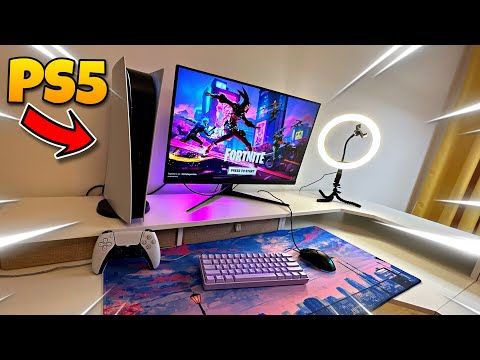
Step 1: Power Up and Plug In ⚡ The very first task that every gamer must do is to check his/her equipment. Ensure that your controller, headset, or laptop is totally charged. Plug in the devices that can be powered so that you don’t have to take a break in the middle of the match for recharging. Does not have to be too special unless you want it to be. This is a guide on different setup on different types of gaming devices

Step 2: Test Your Internet Connection 🌐 A good connection can either improve or ruin your play. Do a quick test before going online to prevent lag or disconnections that will cost you your progress. Use this site to check your speed.

Step 3: Get Comfortable 🪑 If you are not comfortable, you don’t have the right to say gaming is good. Adjust the chair, turn the fan on if it’s hot, and get some water or a snack before the game starts. Many people do not realize that staying hydrated helps during long sessions more than anything else. Make sure you are always sitting up while playing. Unless you need to lock in
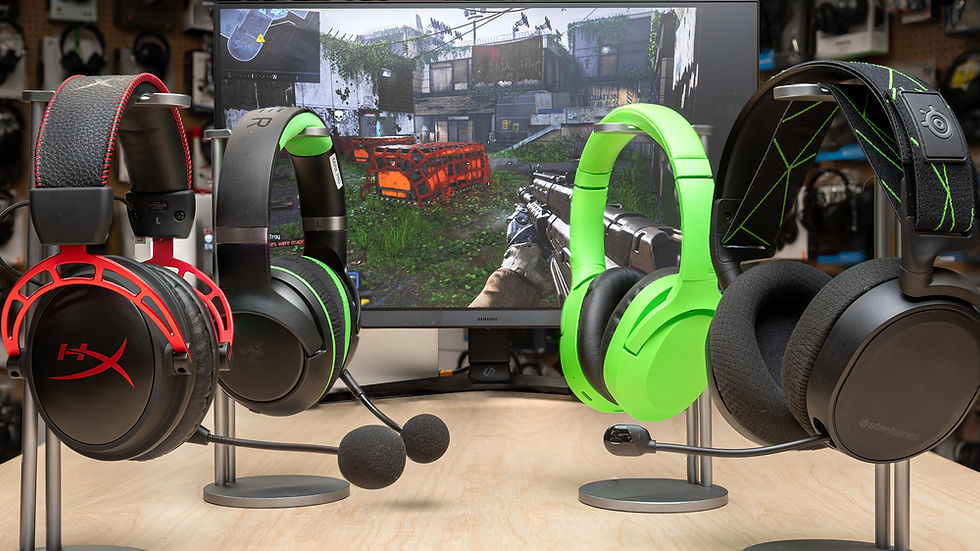
Step 4: Check Your Audio 🎧 Before getting into a party or loading into a game, be sure that your mic and headset work perfectly. Good sound quality not only makes it easier for the players to communicate, but it also means that the players are less likely to miss hearing each other and thus being more aware during the match.


Comments